
A smartphone can be a convenient way to explore Vicibet games and account information. What matters is not a flashy app icon but a responsive screen, understandable controls and a reliable way to reach the account area.
This mobile guide covers browser use, iPhone and Android considerations, secure sign-in, cashier readability and the difference between a website shortcut and a separately installed application. It focuses on day-to-day usability rather than promotional claims.
| Mobile channel | Browser access on smartphones |
| Devices | iPhone and Android browsers |
| Downloadable app | Check the official publishing source |
| Game controls | Readable rules and stake buttons |
| Security | Use secure sign-in and sign-out |
| Cashier | Check methods for your account |
Using Vicibet from a mobile browser

For many players the first visit happens on a smartphone. A mobile browser provides a direct route to inspect categories, game information and account features without immediately installing a separate application.
Test your own device and see whether controls remain clear when switching between portrait and landscape orientation.
Browser access is convenient for checking details quickly, such as promotion rules or information about a slot. A separate installation is not always necessary for those tasks. Confirm that you are on the intended page and that the interface responds reliably on your own device.
Home-screen shortcuts and applications

You can save a website shortcut to a phone’s home screen. It may resemble an app icon while still opening a standard browser experience rather than a separate application.
Check the origin of any download and favour the website over an installation file delivered through an unknown message.
A home-screen icon may save a few taps, but it does not transform a website into an officially published app. When considering downloads, the source and requested permissions matter more than a familiar-looking filename. An unknown installation package is not a necessary step for exploring a casino website.
A compact mobile game lobby

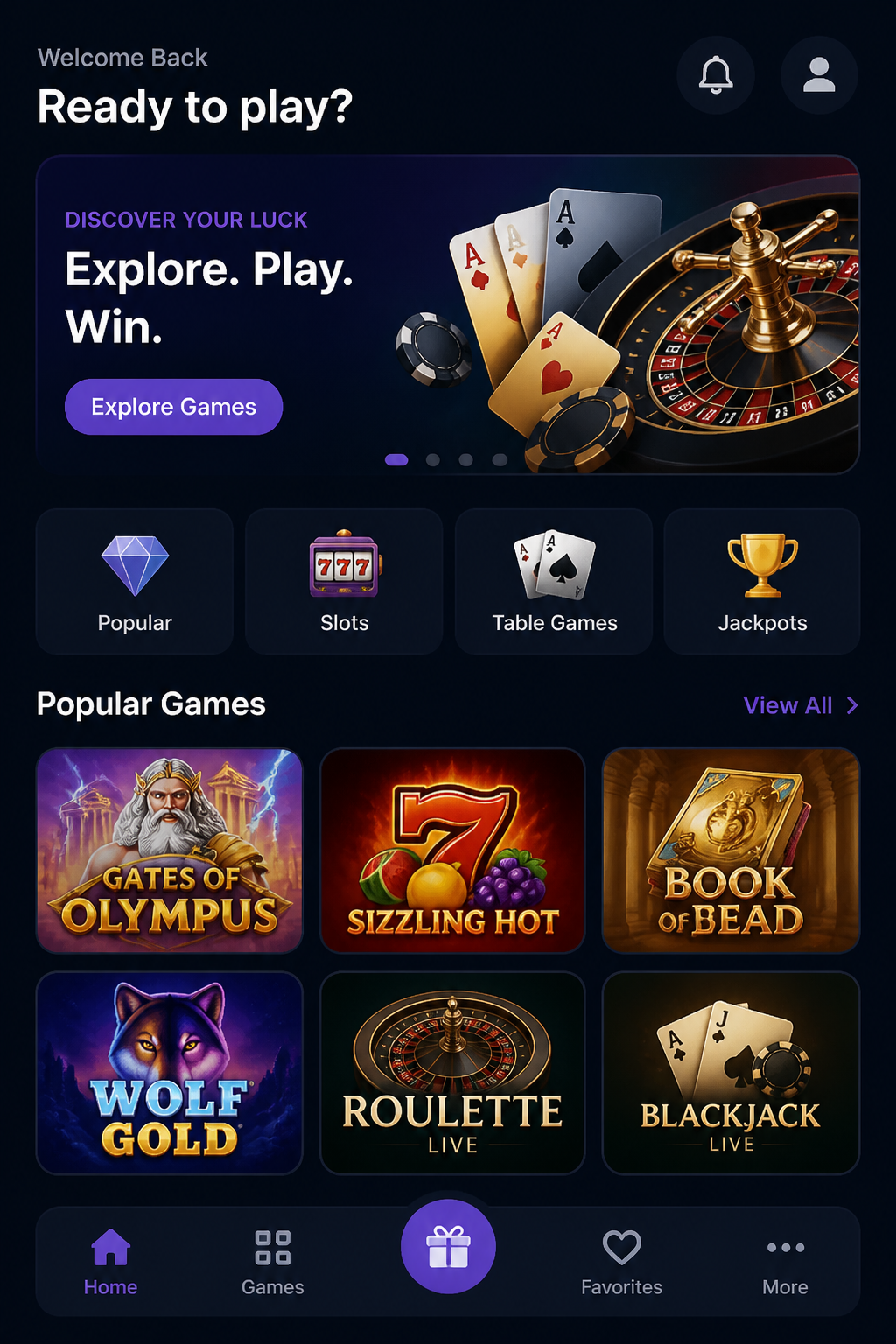
Mobile game lists require thoughtful spacing, readable labels and an easy search route. Oversized banners or cramped tiles can obscure useful choices even when the underlying game selection is broad.
Open several different categories and confirm that returning to the main list does not require a confusing sequence of taps.
A well-designed mobile lobby should let users return to a familiar location with few taps. Open a game, inspect its rules and try navigating back to the original category. That predictable behaviour is particularly helpful during short sessions when searching for the menu should not become the main activity.
Touch controls for slot sessions
On a phone, stake selectors and spin controls sit close together. Clarity matters, particularly where a slot contains an optional feature purchase that costs more than a standard round.
Locate the stake setting before starting, and avoid activating any optional function without a visible price.
Compact controls are useful only when different buttons remain easy to distinguish. On slots, stake selection, autoplay and optional features may appear close together. Spend a moment learning the icons before using them. Avoiding an accidental tap is simpler than trying to reconstruct it after the fact.
Watching live games on the move
Live-dealer games combine a stream with betting controls. On a smaller display the balance between video and interface elements changes, so the time remaining and available options should stay legible.
Explore a table interface calmly and make sure essential information is not hidden behind a collapsed menu.
In live casino, video and information controls compete for limited screen space. A convenient design lets users open rules, return to the table and leave it without losing the account menu. Also check that the stream does not obscure key controls needed to follow the round.
Portrait, landscape and readability
Certain game views benefit from landscape orientation, while account pages may be easier in portrait mode. Neither layout is useful if controls or essential text disappear when orientation changes.
Rotate the device once before a longer session and check the balance display and exit control in both orientations.
Changing screen orientation is a useful practical test. A page that looks polished in portrait mode may still cut off information in landscape. Pay special attention to the cashier and account menus, where full amounts and confirmations should remain visible without awkward adjustments.
Reliable mobile account access
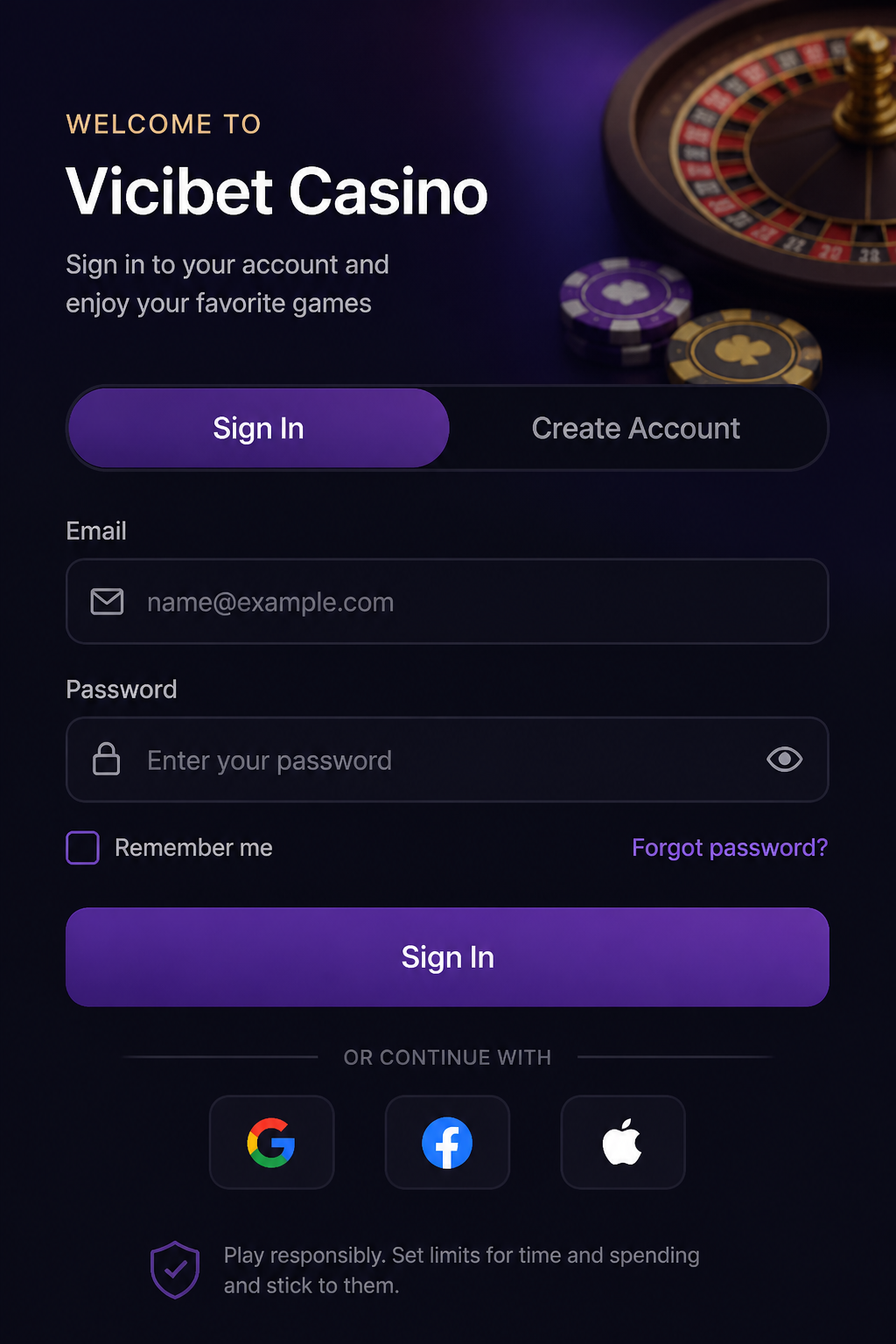
A reliable sign-in process is more valuable than a dramatic splash screen. Keep credentials in a trusted password manager and use extra account protection when the service provides it.
Sign out of shared devices and never hand over verification codes intended for your own account.
Account security need not be complicated. A unique password, a locked device and caution with unexpected login requests already make a difference. Use additional verification where available and never share a security code with someone claiming it is required to unlock a bonus.
Banking tasks from a phone
A mobile cashier should show the selected method, amount and possible charges before confirmation. Withdrawal history and status information are particularly useful on a small display.
Confirm that the full amount remains visible without awkward sideways scrolling and complete transactions only after reading the instructions.
Small details matter in payment interfaces, including decimal places, currency symbols and error messages. Mobile readability is therefore a practical requirement, not merely a design preference. If a confirmation screen is cut off, correct the view before continuing rather than tapping through an incomplete summary.
Reading promotions on a phone
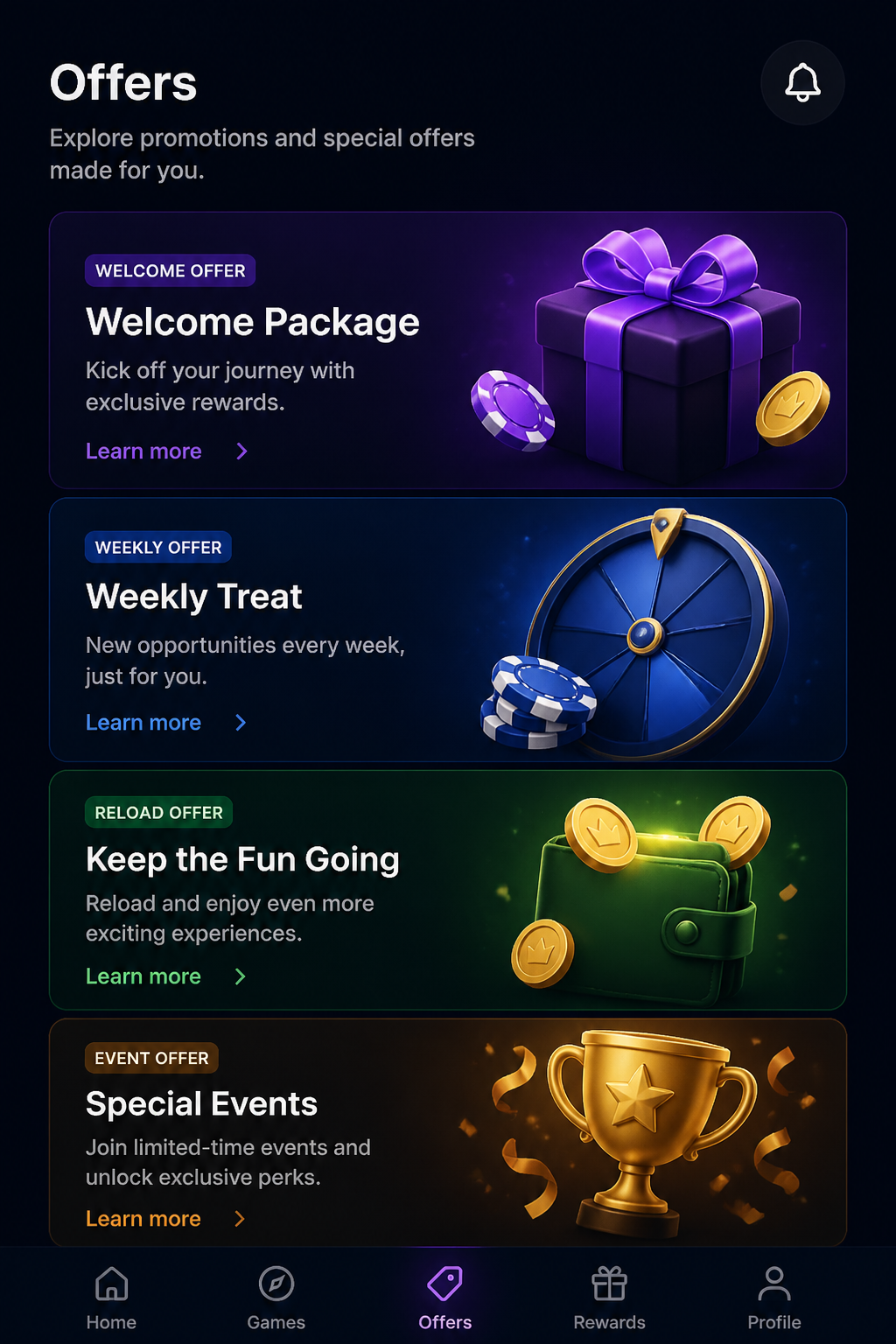
A promotional banner is easy to fit on a phone, but wagering conditions are more detailed. Those rules should be readable without guessing at tiny text or missing game exclusions.
Open the full promotion conditions and find the expiry, account selection and any betting restrictions.
A 100-free-spin offer is concise in advertising, but the conditions may be far longer than a phone display. Good mobile formatting keeps the text readable and related points together. Wagering, game eligibility and deadlines deserve more attention than the size of the promotional artwork.
Handling interruptions during a game
A connection interruption may freeze the visible game screen without necessarily cancelling the underlying round. Checking the transaction or game history is safer than assuming the session was lost.
Record the game title and time if an issue occurs, and do not make another deposit merely because a screen briefly fails to load.
Repeatedly tapping a frozen game may make the situation harder to understand because an earlier action could already be registered. Check the history before trying again. If a round remains unclear, the game name and approximate time give support a more useful starting point than a vague description.
Practical device settings
A steady connection and an uncluttered screen make it easier to follow game controls and account information. Incoming notifications or low battery can interrupt a session at an inconvenient moment.
Silence distracting notifications and avoid unnecessary network switching during an active payment confirmation.
Notifications from unrelated apps can cover part of a game at an awkward moment. A quieter device setup makes it easier to choose a stake deliberately and follow the outcome. Battery level matters too: losing power during a payment confirmation is inconvenient and can complicate tracking the transaction.
Protecting information on mobile devices
Phones often contain payment applications, email accounts and saved credentials. Screen locks and careful link checking protect more than the casino account alone.
Check the address bar when signing in and avoid sending identification documents through an unrelated chat channel.
A casino account is only one of the services stored on a phone. Protect email and payment apps as well, because they may receive recovery links or transaction approvals. Sign out of shared devices and check messages that attempt to rush you toward a login page.
Budget controls in your pocket
A phone is always accessible, which can make it easy to extend a session beyond its intended length. Setting time and spending boundaries beforehand makes entertainment more deliberate.
Use a reminder that still reaches you in full-screen mode and take a break at the time you planned.
Mobile convenience does not mean playing more frequently. Because a phone is always nearby, a fixed stopping time or pause reminder can be helpful. Set limits beforehand and use account history to keep an eye on session length. The device should be a convenient screen, not a reason to extend play indefinitely.
A mobile experience on your terms
Clear browser navigation, readable rules and secure account access create a practical foundation for mobile use. Explore the controls on your own device and keep personal time limits in place regardless of how convenient the screen feels.